TCP ACK Scan
Let’s start with the TCP ACK scan. As the name implies, an ACK scan will send a TCP packet with the ACK flag set. Use the -sA option to choose this scan. As shown in the figure below, the target would respond to the ACK with RST regardless of the port’s state. This behaviour occurs because a TCP packet with the ACK flag set should be sent only in response to a received TCP packet to acknowledge receipt of data, unlike in our case. Hence, this scan won’t tell us whether the target port is open in a simple setup.
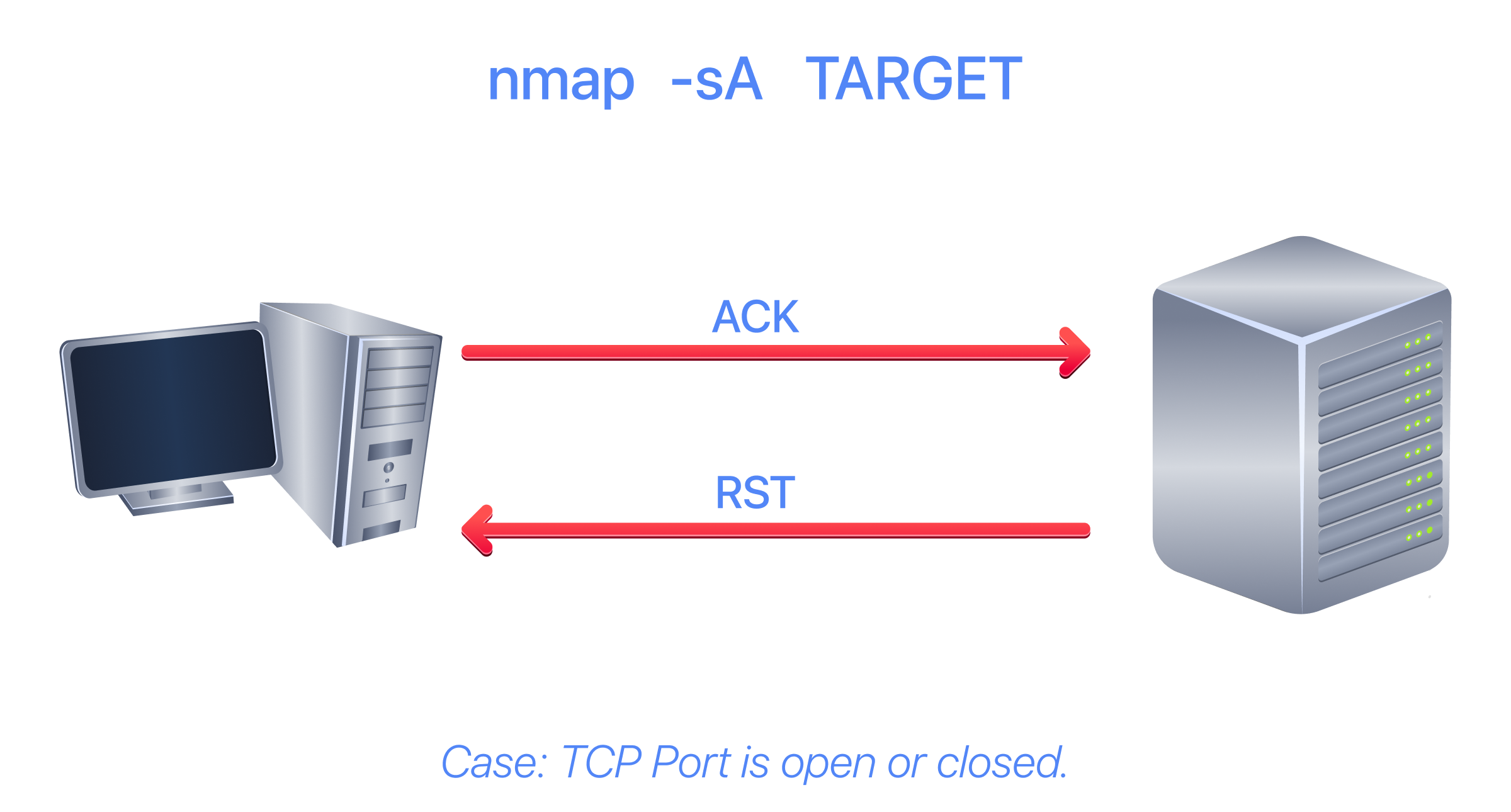
In the following example, we will scan the target VM before installing a firewall on it. As expected, we couldn’t learn which ports were open.
Terminal
root@ip-10-10-166-81:~# sudo nmap -sA 10.64.153.129
sudo: unable to resolve host ip-10-10-166-81: Name or service not known
Starting Nmap 7.80 ( https://nmap.org ) at 2026-02-17 07:20 GMT
mass_dns: warning: Unable to open /etc/resolv.conf. Try using --system-dns or specify valid servers with --dns-servers
mass_dns: warning: Unable to determine any DNS servers. Reverse DNS is disabled. Try using --system-dns or specify valid servers with --dns-servers
Nmap scan report for 10.201.89.221
Host is up (0.074s latency).
All 1000 scanned ports on 10.201.89.221 are unfiltered

Nmap done: 1 IP address (1 host up) scanned in 1.38 seconds
This kind of scan would be helpful if a firewall were in front of the target. Consequently, based on which ACK packets resulted in responses, you will learn which ports were not blocked by the firewall. In other words, this type of scan is better suited to discovering firewall rule sets and configurations.
Visit the URL http://10.64.153.129:5000 to activate the firewall, and we will repeat the scan.
Wait until the page confirms that the firewall is activated, as shown below, and give it a few seconds before you scan. If your ACK scan still reports all 1000 ports as unfiltered, the firewall is not on yet, so press Activate again.
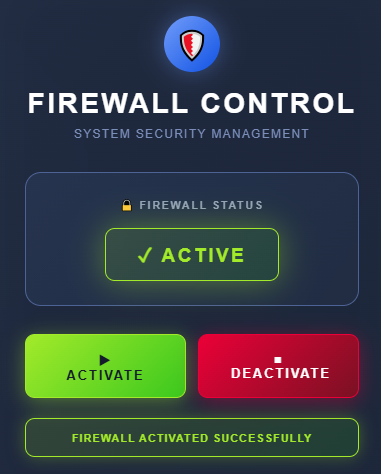
This time, we received some interesting results. As shown in the console output below, the firewall is blocking all other ports except these five.
Terminal
root@ip-10-10-166-81:~# sudo nmap -sA 10.64.153.129
sudo: unable to resolve host ip-10-10-166-81: Name or service not known
Starting Nmap 7.80 ( https://nmap.org ) at 2026-02-17 07:26 GMT
mass_dns: warning: Unable to open /etc/resolv.conf. Try using --system-dns or specify valid servers with --dns-servers
mass_dns: warning: Unable to determine any DNS servers. Reverse DNS is disabled. Try using --system-dns or specify valid servers with --dns-servers
Nmap scan report for 10.201.89.221
Host is up (0.070s latency).
Not shown: 995 filtered ports
PORT STATE SERVICE
22/tcp unfiltered ssh
25/tcp unfiltered smtp
80/tcp unfiltered http
443/tcp unfiltered https
5000/tcp unfiltered upnp

Nmap done: 1 IP address (1 host up) scanned in 5.69 seconds
Window Scan
Another similar scan is the TCP window scan. The TCP window scan is almost identical to the ACK scan; however, it examines the TCP Window field of the RST packets returned. On specific systems, this can reveal that the port is open. You can select this scan type with the option -sW. As shown in the figure below, we expect to get an RST packet in reply to our “uninvited” ACK packets, regardless of whether the port is open or closed.
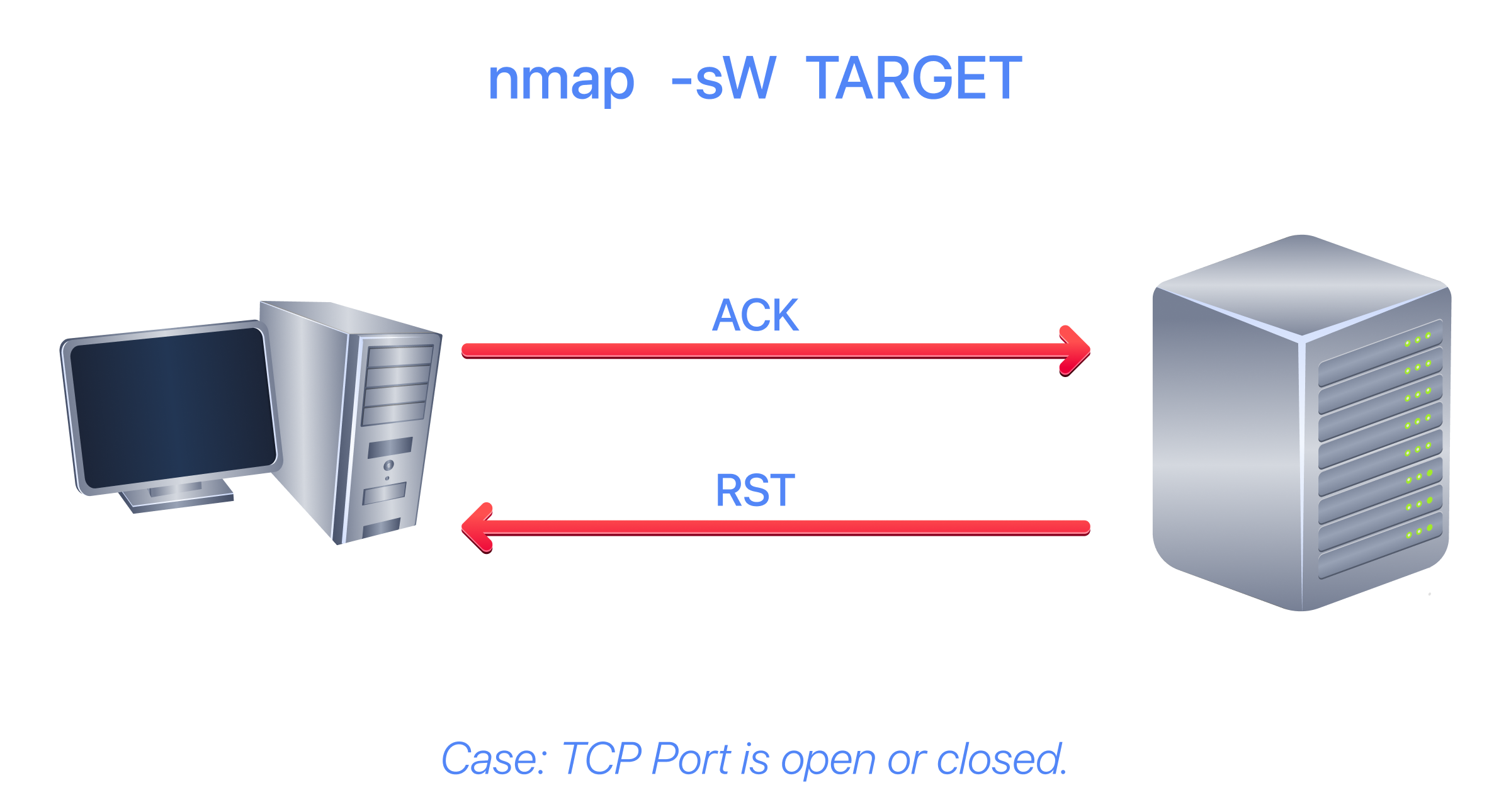
Similarly, launching a TCP window scan against a Linux system without a firewall will not yield much information. As shown in the console output below, the results of the window scan against a Linux server with no firewall didn’t provide any additional information beyond the ACK scan executed earlier.
Terminal
root@ip-10-10-166-81:~# sudo nmap -sW 10.64.153.129
sudo: unable to resolve host ip-10-10-166-81: Name or service not known
Starting Nmap 7.80 ( https://nmap.org ) at 2026-02-17 08:11 GMT
mass_dns: warning: Unable to open /etc/resolv.conf. Try using --system-dns or specify valid servers with --dns-servers
mass_dns: warning: Unable to determine any DNS servers. Reverse DNS is disabled. Try using --system-dns or specify valid servers with --dns-servers
Nmap scan report for 10.201.89.221
Host is up (0.072s latency).
All 1000 scanned ports on 10.201.89.221 are closed

Nmap done: 1 IP address (1 host up) scanned in 1.38 seconds
However, as you would expect, if we repeat our TCP window scan against a server behind a firewall, we expect to get more satisfying results. In the console output shown below, the TCP window scan identified five ports as closed. (This is in contrast with the ACK scan, which labelled the same five ports as unfiltered.) Although we know that these five ports are not closed, we realise they responded differently, indicating that the firewall does not block them.
Terminal
root@ip-10-10-166-81:~# sudo nmap -sW 10.64.153.129
sudo: unable to resolve host ip-10-10-166-81: Name or service not known
Starting Nmap 7.80 ( https://nmap.org ) at 2026-02-17 08:13 GMT
mass_dns: warning: Unable to open /etc/resolv.conf. Try using --system-dns or specify valid servers with --dns-servers
mass_dns: warning: Unable to determine any DNS servers. Reverse DNS is disabled. Try using --system-dns or specify valid servers with --dns-servers
Nmap scan report for 10.201.89.221
Host is up (0.067s latency).
Not shown: 995 filtered ports
PORT STATE SERVICE
22/tcp closed ssh
25/tcp closed smtp
80/tcp closed http
443/tcp closed https
5000/tcp closed upnp

Nmap done: 1 IP address (1 host up) scanned in 5.08 seconds
Custom Scan
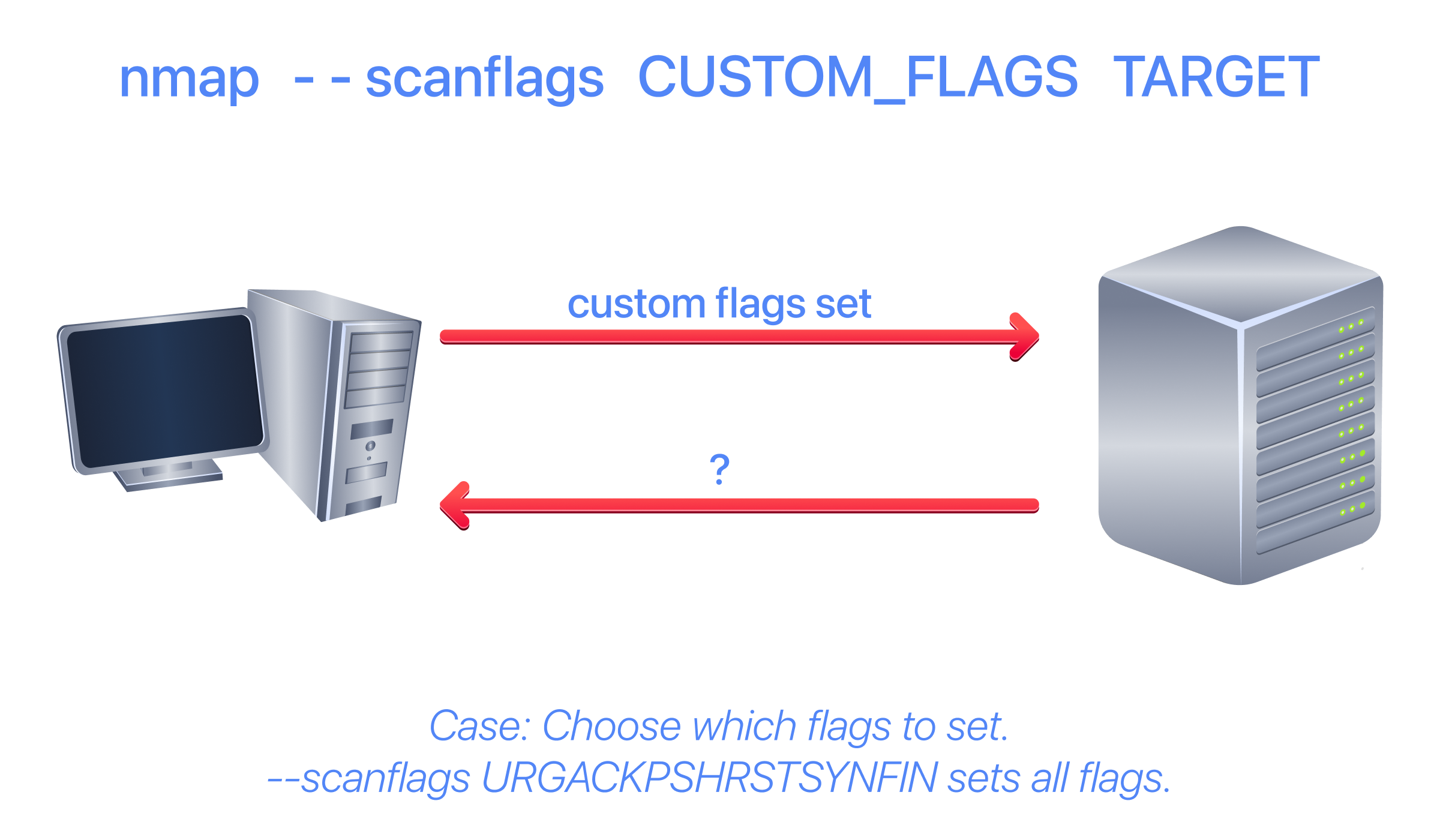
If you want to experiment with a new TCP flag combination beyond the built-in TCP scan types, you can do so using --scanflags. For instance, if you want to set SYN, RST, and FIN simultaneously, you can do so using --scanflags RSTSYNFIN. As shown in the figure below, if you develop your own custom scan, you need to understand how the different ports will behave to correctly interpret the results in different scenarios.
Finally, it is essential to note that the ACK and window scans were highly effective in helping us map the firewall rules. However, it is vital to remember that just because a firewall is not blocking a specific port, it does not necessarily mean that a service is listening on that port. For example, the firewall rules may need to be updated to reflect recent service changes. Hence, ACK and window scans are exposing the firewall rules, not the services.
When you finish this task, return to http://10.64.153.129:5000 and press Deactivate. If your scans still show filtered ports afterwards, press Activate and then Deactivate. The examples in the later tasks were captured with the firewall disabled.